
Tailwind vs Pin Generator 2026: Which Pinterest Tool Is Right for You?
Compare Tailwind and Pin Generator for Pinterest marketing. Detailed breakdown of scheduling, automation, design tools, analytics, pricing, and which tool fits your business needs.
Quick Verdict: Tailwind for comprehensive analytics and multi-platform marketing, Pin Generator for rapid bulk pin creation and e-commerce automation

When it comes to Pinterest marketing tools, Tailwind and Pin Generator represent two distinct approaches. Tailwind is a long-standing Pinterest-certified scheduler and analytics platform, while Pin Generator is a newer app focused on bulk automated pin creation. Both aim to boost Pinterest traffic, but they differ dramatically in features, pricing, and target users.
In this comparison, we're putting these two popular options head-to-head across scheduling, automation, design tools, analytics, SEO, integrations, AI assistance, and pricing to help you decide which fits your needs.
The Quick Verdict
Choose Tailwind if you need comprehensive analytics, strategic scheduling with AI-optimized timing, community features, and multi-platform support (Pinterest + Instagram + Facebook). It's ideal for content marketers, agencies, and growth-focused brands.
Choose Pin Generator if you need to create high volumes of pins quickly with minimal manual design work. It's perfect for e-commerce sellers, Shopify/Etsy store owners, and time-crunched solopreneurs who prioritize speed over advanced analytics.
Scheduling & Automation
Both tools let you schedule pins in advance, but the depth of scheduling features varies significantly.
Tailwind
Tailwind offers advanced scheduling automation with several standout features:
- SmartSchedule predicts the best times to post based on audience activity
- Board Lists let you pin to multiple boards at once with a single click
- SmartLoop automatically recycles high-performing pins on a set schedule
- Interval scheduling maintains consistent presence without manual effort
- Drag-and-drop calendar provides a visual overview of all queued pins
Pin Generator
Pin Generator provides bulk scheduling in a more manual way:
- Upload or generate hundreds of pins and assign publish dates/times
- RSS-to-Pinterest auto-post feature for blog content
- Basic queue management with manual timing
- Bulk scheduling to Pinterest boards
Winner: Tailwind—its SmartSchedule and multi-board features provide more "set-and-forget" automation compared to Pin Generator's hands-on approach.
Content Creation & Design Tools
This is where the two tools take fundamentally different approaches.
Tailwind
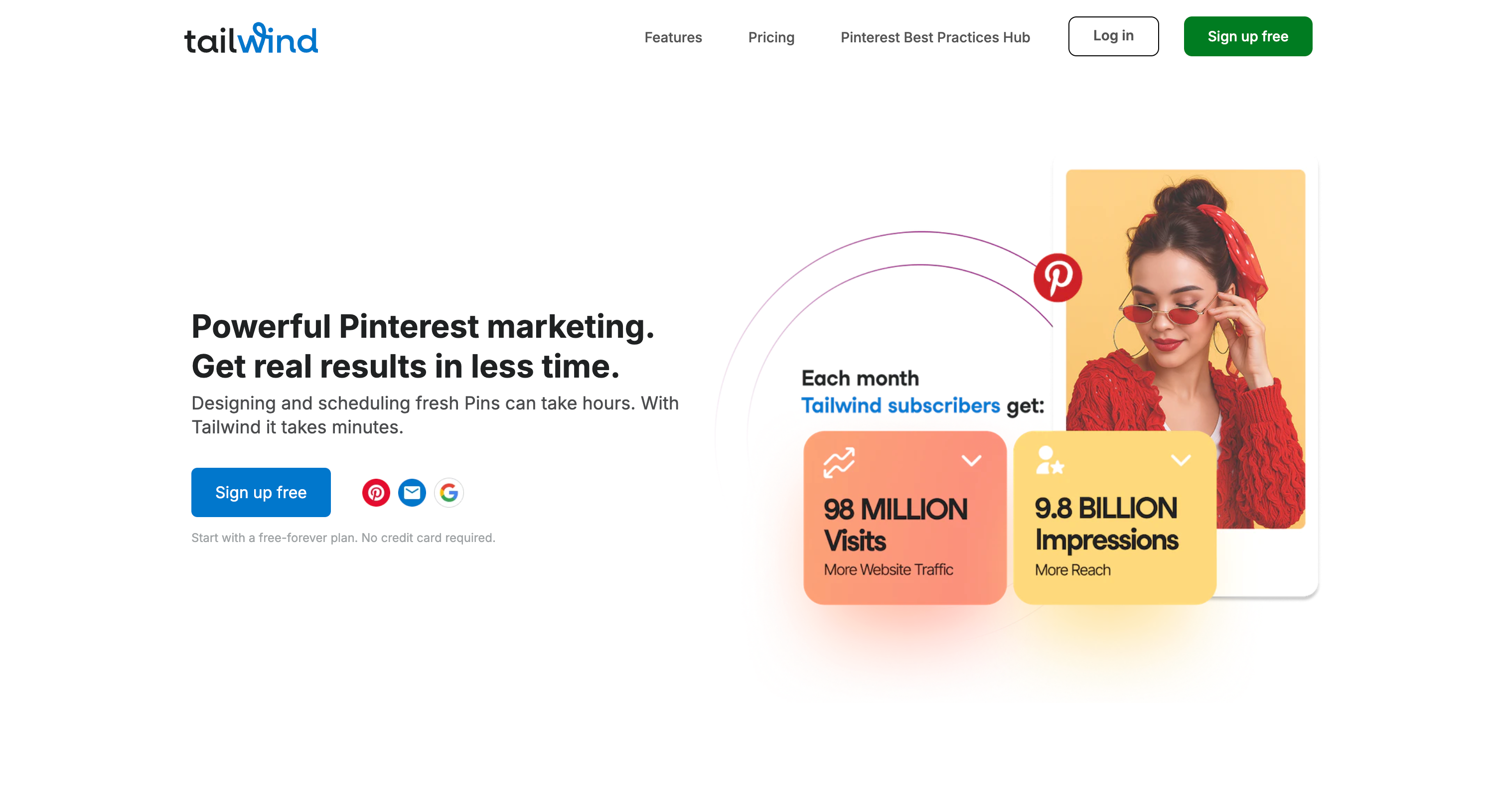
Tailwind offers the Tailwind Create design tool with a different philosophy:
- Choose from editable templates or start from scratch
- Drag-and-drop design with custom fonts, logos, and colors
- Brand kit integration for consistent visuals
- Browser extension to save images from anywhere
- Direct Canva integration to import designs
Pin Generator

Pin Generator shines at rapid pin generation. You provide a URL, product feed, or images, and it uses AI-driven templates to produce dozens of pins instantly:
- Auto-generates titles, descriptions, and designs from your content
- Pulls text and images from your website automatically
- Applies your brand colors and fonts to create multiple design variations
- 100+ niche templates for various industries
- Recent updates improved AI copywriting for smarter text generation
Users report dramatic time savings: "I went from spending 2 hours on design to creating 10 pins in 15 minutes."
Winner: Pin Generator for speed and automation, Tailwind for quality and brand control. Choose based on whether you prioritize volume or polish.
Analytics & Reporting
Tailwind
Tailwind provides detailed Pinterest analytics to help optimize your strategy:
- Pin Inspector for engagement data per pin
- Board Insights showing top-performing boards and pins
- Follower growth tracking over time
- Website referral and traffic attribution
- Aggregated metrics (impressions, saves, clicks) with trend analysis
Pin Generator
Pin Generator's analytics are far more basic:
- Tracks clicks and saves per pin (Pro+ plans only)
- Basic design performance comparison
- Limited historical data
Winner: Tailwind decisively. Its robust reports justify its cost for serious marketers, while Pin Generator offers only basic pin performance stats. Many Pin Generator users pair it with separate analytics tools.
SEO, Keywords & Hashtags
Tailwind
Tailwind includes comprehensive Pinterest SEO tools:
- Pinterest Keyword Finder
- Board Title Generator
- Image Alt Text Generator for algorithm optimization
- Hashtag list saving and suggestions (primarily for Instagram)
- Regular educational guides on Pinterest SEO best practices
Pin Generator
Pin Generator offers:
- Pinterest Keyword Research Tool
- Trend Alerts to discover high-traffic terms
- Auto-generated alt text for pins
Winner: Tailwind—its SEO tools are more comprehensive and deeply integrated into the platform.
Integrations & Workflow
Tailwind
Tailwind connects with a wide range of platforms:
- Browser extension to save images from any site or Canva directly
- Shopify, WooCommerce, WordPress, Squarespace integrations
- Bulk CSV uploads for content import
- Multi-social support (Pinterest, Instagram, Facebook)
Pin Generator
Pin Generator is heavily e-commerce focused:
- Seamless Shopify and Etsy integration
- Amazon product import support
- WordPress plugin and CSV import
- RSS feed integration for automatic pin generation
Winner: Tailwind for broader platform support, Pin Generator for specialized e-commerce workflows.
AI Features & Smart Tools
Tailwind
Tailwind's Ghostwriter AI offers comprehensive content assistance:
- Drafts pin titles, descriptions, and marketing copy
- SmartPin creates images automatically
- Alt text generation for accessibility
- Learns your brand voice over time
- Extends beyond Pinterest to blog and ad copy
Pin Generator
Pin Generator's AI focuses specifically on pin creation:
- Auto-generates relevant titles and descriptions from URLs
- Creates alt text from images
- Improved AI copywriting in recent updates
- Template-based design automation
Winner: Tie—Pin Generator's AI is more focused on bulk pin production, while Tailwind's Ghostwriter is broader but less specialized.
Pricing Breakdown
The two tools use fundamentally different pricing models.
Pin Generator (Credit-Based)
| Plan | Price | Pin Credits |
|---|---|---|
| Free | $0 | Test features (no scheduling) |
| Basic | $19/month | ~50 pins |
| Professional | $39/month | ~200 pins |
| Agency | $99/month | ~1,000 pins |
The credit system means heavy users face escalating costs. One user warns it's easy to blow through a 200-pin/month plan quickly.
Tailwind (Post-Count Based)
| Plan | Price (Annual) | Posts/Month |
|---|---|---|
| Free Forever | $0 | 5 posts |
| Pro | $17.99/month | 150 posts |
| Advanced | $29.99/month | 300 posts |
| Max | $49.99/month | Unlimited |
Annual billing saves up to 50%, making Tailwind more affordable for consistent pinners. Post counts include all platforms.
Value Analysis: Pin Generator costs more per pin but delivers automated content creation. Tailwind provides better overall value with its comprehensive feature set. Budget-conscious users should start with Tailwind's free plan, while those struggling with content creation may find Pin Generator's time savings justify the expense.
User Interface & Learning Curve
Tailwind
Tailwind is a full-featured platform with a learning curve:
- Some reviews mention it feels non-intuitive at first
- Most agree it becomes straightforward after practice
- Robust dashboard, calendar, and menus for each function
- Polished, integrated experience once mastered
Pin Generator
Pin Generator's interface is simpler but has historical issues:
- Early adopters report a "glitchy" experience with templates and scheduling
- Recent updates have fixed many bugs
- Straightforward concept with occasional UI quirks
- Available tutorials help reduce the learning curve
Winner: Tailwind for polish and reliability, though Pin Generator is simpler in concept.
What Real Users Say
Tailwind Feedback
Users love:
- "Perfect Pinterest partner" that lets you "set marketing on autopilot"
- Reasonable annual cost (under $150/year for Pro)
- Communities feature for organic reach expansion
- Drag-and-drop scheduler and reliable performance
Common complaints:
- "Tailwind used to charge separately for features… still too expensive"
- Some remaining bugs in the pin designer
- Can be overwhelming for casual pinners
Pin Generator Feedback
Users love:
- "Makes scheduling a few months' worth of pins take no time"
- "Lightning-fast content generation" for bulk pinning
- 95-99× speed improvement over manual pinning
- Excellent Shopify/Etsy integration for product catalogs
Common complaints:
- "This thing is buggy… designing or editing Pins is a massive pain"
- Credit system can get expensive quickly
- "Could be so much better!" with UI improvements
Who Should Use Which Tool?
Choose Tailwind If You:
- Need detailed analytics and Pinterest best-practice guidance
- Want multi-platform support (Pinterest + Instagram + Facebook)
- Work with a team and need collaboration features
- Value the Communities feature for organic reach
- Prefer a polished, all-in-one solution
- Schedule dozens of pins daily and want AI-optimized timing
Choose Pin Generator If You:
- Run an e-commerce store with hundreds of products
- Need to generate high volumes of pins quickly
- Want AI-automated design and copywriting
- Prefer a simple, Pinterest-focused tool
- Struggle with content creation and need speed over polish
- Would rather pay per pin than per month
Can You Use Both?
Yes! Many successful pinners use both tools together:
- Pin Generator to create pins quickly (~$19-39/month)
- Tailwind to schedule strategically and access Communities (~$18/month)
Total cost: approximately $37-57/month for a complete automation solution.
Final Recommendation
| Need | Best Choice |
|---|---|
| Comprehensive analytics | Tailwind |
| Bulk pin creation | Pin Generator |
| Multi-platform scheduling | Tailwind |
| E-commerce product pins | Pin Generator |
| Team collaboration | Tailwind |
| AI-powered design | Pin Generator |
| Community features | Tailwind |
| Budget-friendly start | Tailwind Free |
| Time savings on content | Pin Generator |
Bottom line: Tailwind is the more robust, analytics-rich choice for power users and multi-channel marketers. Pin Generator excels at automating the creation of lots of Pinterest content quickly. Consider your priorities—and budget—when deciding which tool will best supercharge your Pinterest marketing.
FAQs
Is Tailwind or Pin Generator better for beginners? Tailwind has more features but a steeper learning curve. Pin Generator is conceptually simpler but can be buggy. For complete beginners, Tailwind's free plan offers a safer starting point with more guidance and educational resources.
Can Pin Generator replace Tailwind entirely? For pure pin creation and basic scheduling, yes. However, you'll miss out on Tailwind's analytics, Communities, SmartLoop, and multi-platform support. Many users find the combination works better than either alone.
Which tool is better for Etsy sellers? Pin Generator's direct Etsy integration makes it excellent for automatically creating pins from your product catalog. However, pairing it with Tailwind's analytics helps you understand which products perform best on Pinterest.
Is Tailwind officially partnered with Pinterest? Yes, Tailwind is an official Pinterest Marketing Partner, which means it follows Pinterest's guidelines and won't get your account flagged. Pin Generator uses Pinterest's API safely but isn't officially partnered.
How many pins should I schedule per day? Pinterest recommends 5-30 pins daily for optimal growth. Both tools can handle this volume, but Tailwind's SmartSchedule optimizes timing automatically while Pin Generator requires more manual setup.
Which tool provides better ROI? It depends on your bottleneck. If you're time-poor, Pin Generator saves 15+ hours per week on content creation. If you're growth-focused, Tailwind's features typically drive 2-3× more reach. For maximum ROI, consider using both.
Last Updated: January 2026